Havasu Scanner Feed 3.0

Official Android Release

We rebuilt the Android app from the ground up for members who want faster alerts, live scanner audio, incident maps, archives, and cleaner access to Havasu Scanner Feed content from one place.

Version 3.0 is no longer just a list of headlines. It is a full member app for live activity, scanner monitoring, incident browsing, push controls, resources, and account support.

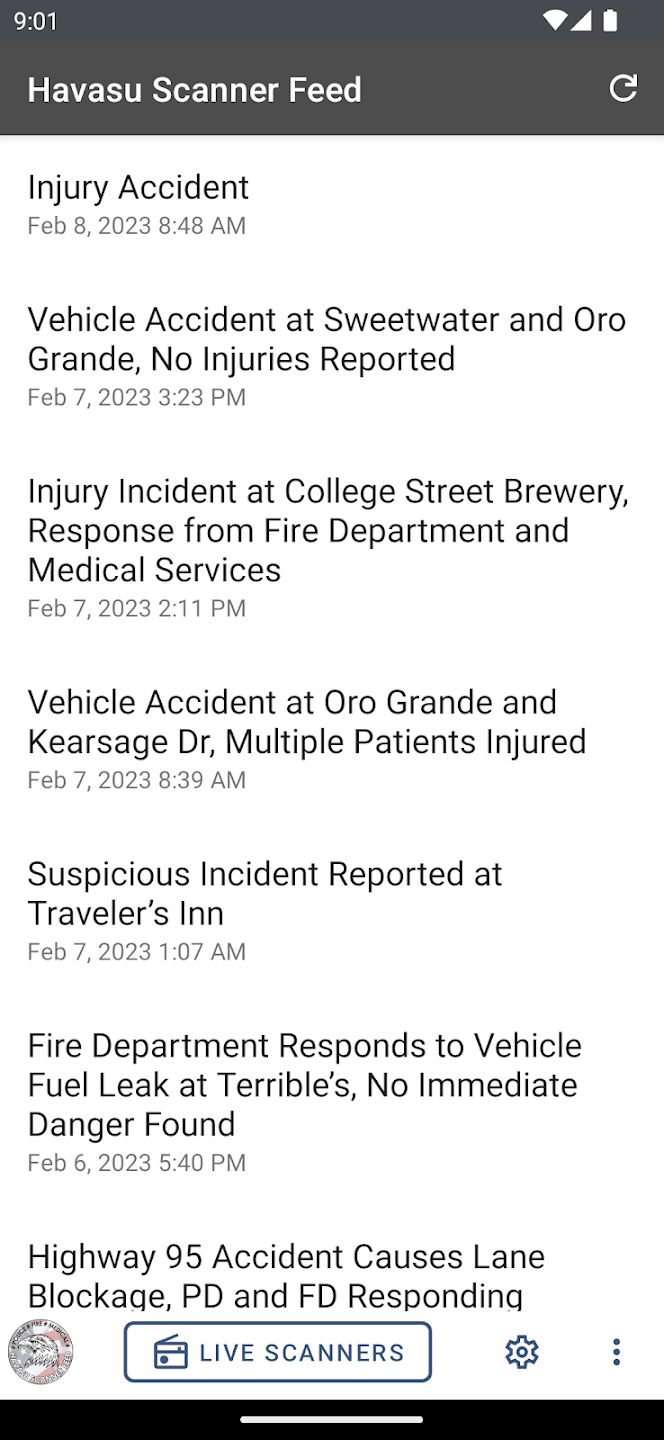
Original Havasu Scanner Feed app screen
Where we started
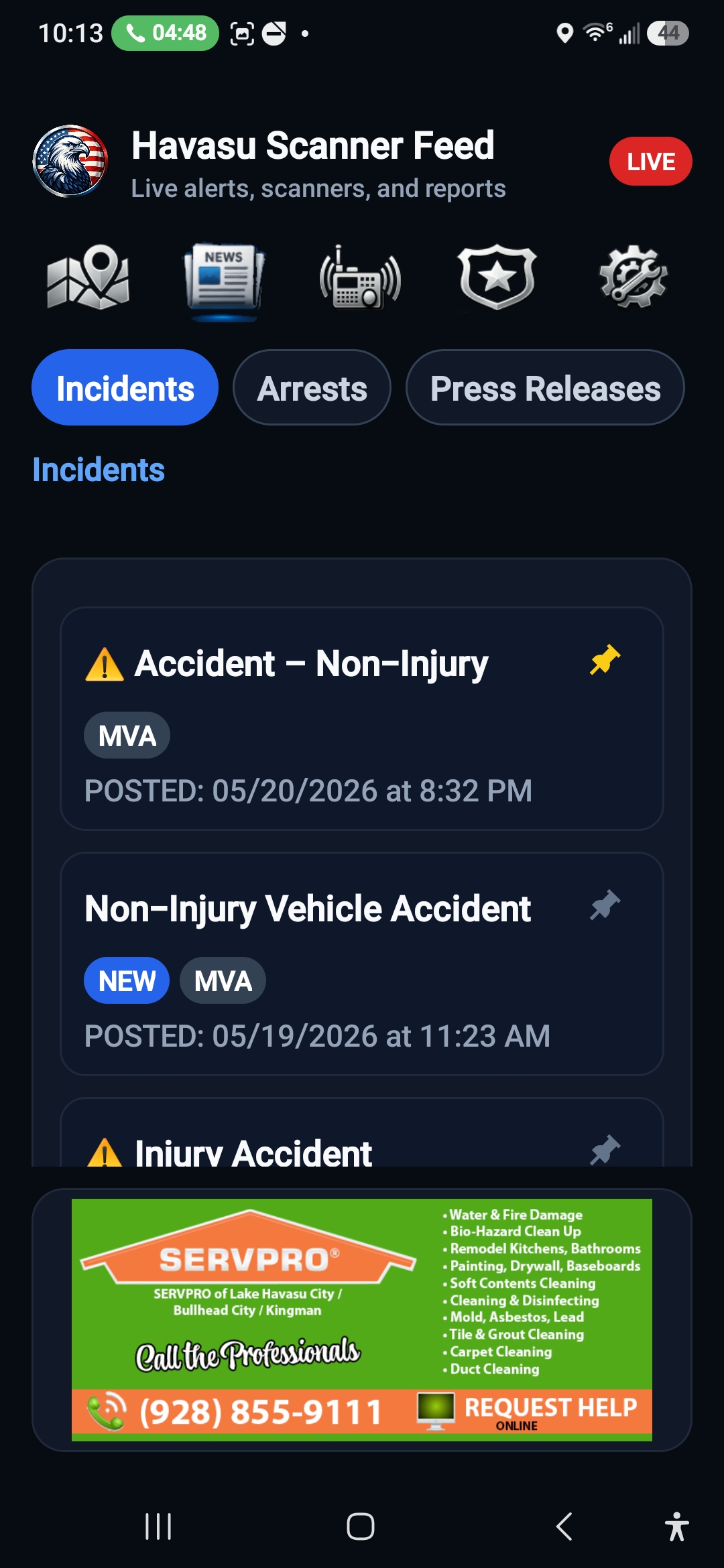
Havasu Scanner Feed 3.0 headlines and incident reports screen
Where 3.0 takes us

What Members Get In 3.0

The new app is designed around the way members actually use HSF: checking the map, reading reports, listening live, replaying archives, and choosing the alerts that matter most.

Incident Map First

Open directly to a map of recent mapped incidents, with quick time-range controls for 12, 24, 48, or 72 hours. Arrest reports stay separate from incident mapping.

Headlines With Control

Browse Incidents, Arrests, and Press Releases in a cleaner dark interface. Members can pin important posts and control how many items show in each section.

Live Scanner Mixer

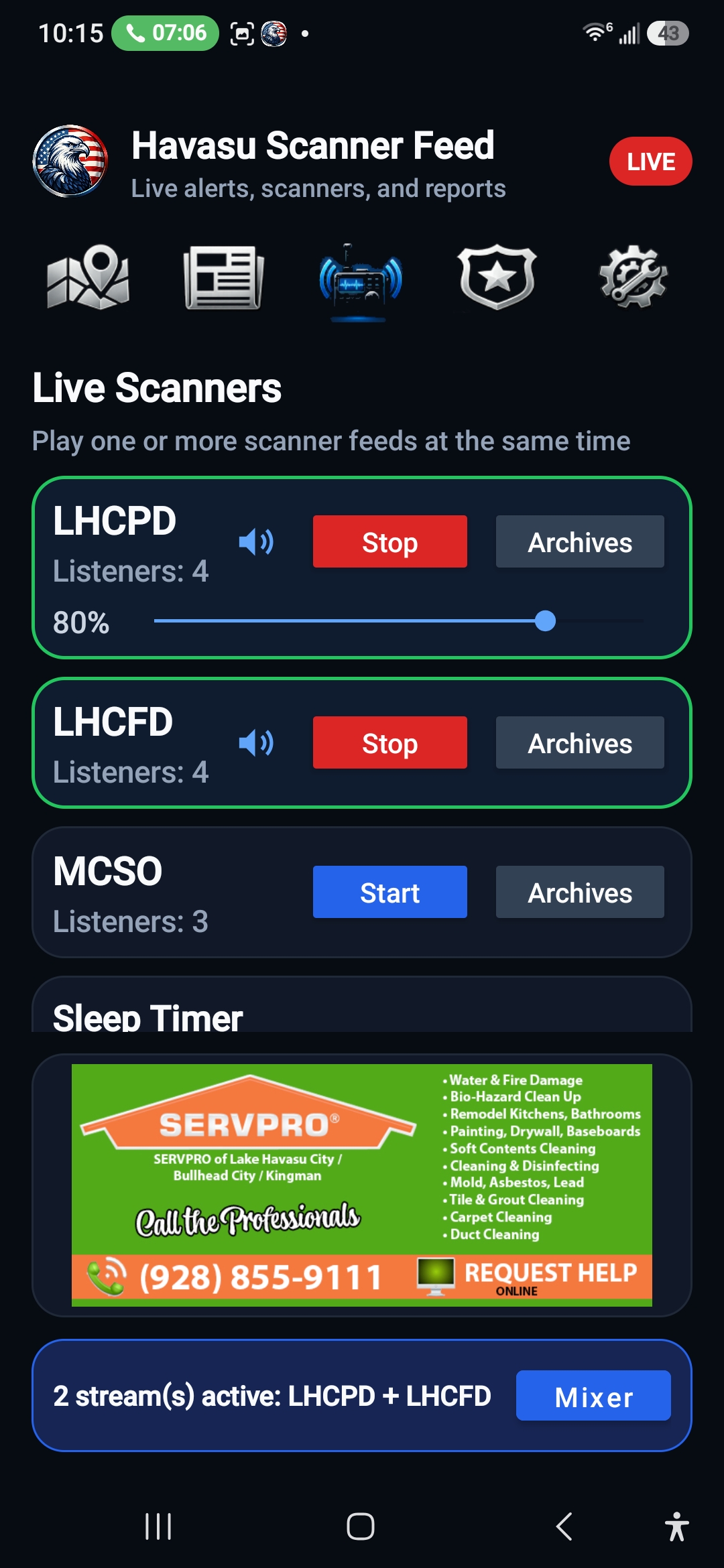
Start LHCPD, LHCFD, and MCSO individually, listen to more than one at a time, use background audio, open the Mixer, and stop streams from inside the app.

Scanner Archives

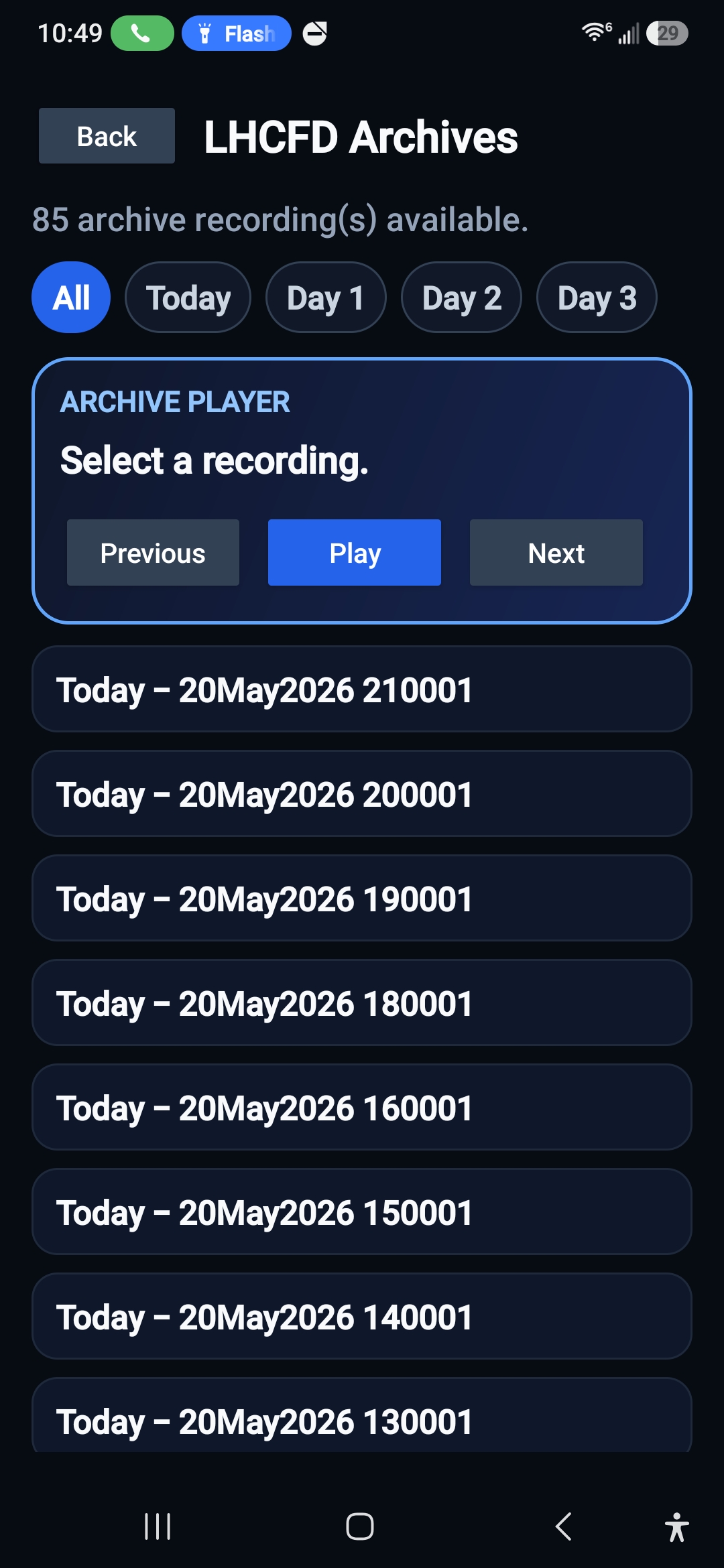
Replay recent hourly recordings by agency, including today and prior archive days, with a player-style interface built for catching up after the fact.

Smarter Push Alerts

Choose which categories appear in Headlines and which ones send push alerts. Quiet Hours can mute non-priority or priority alerts depending on member preference.

Member Tools Built In

Account Management, Contact HSF, Resources, Codes, Warrants, Sex Offender link, phone shortcuts, and the Emergency Services book are all easier to reach.

Inside The New App

A closer look at the tools members now have in one place.
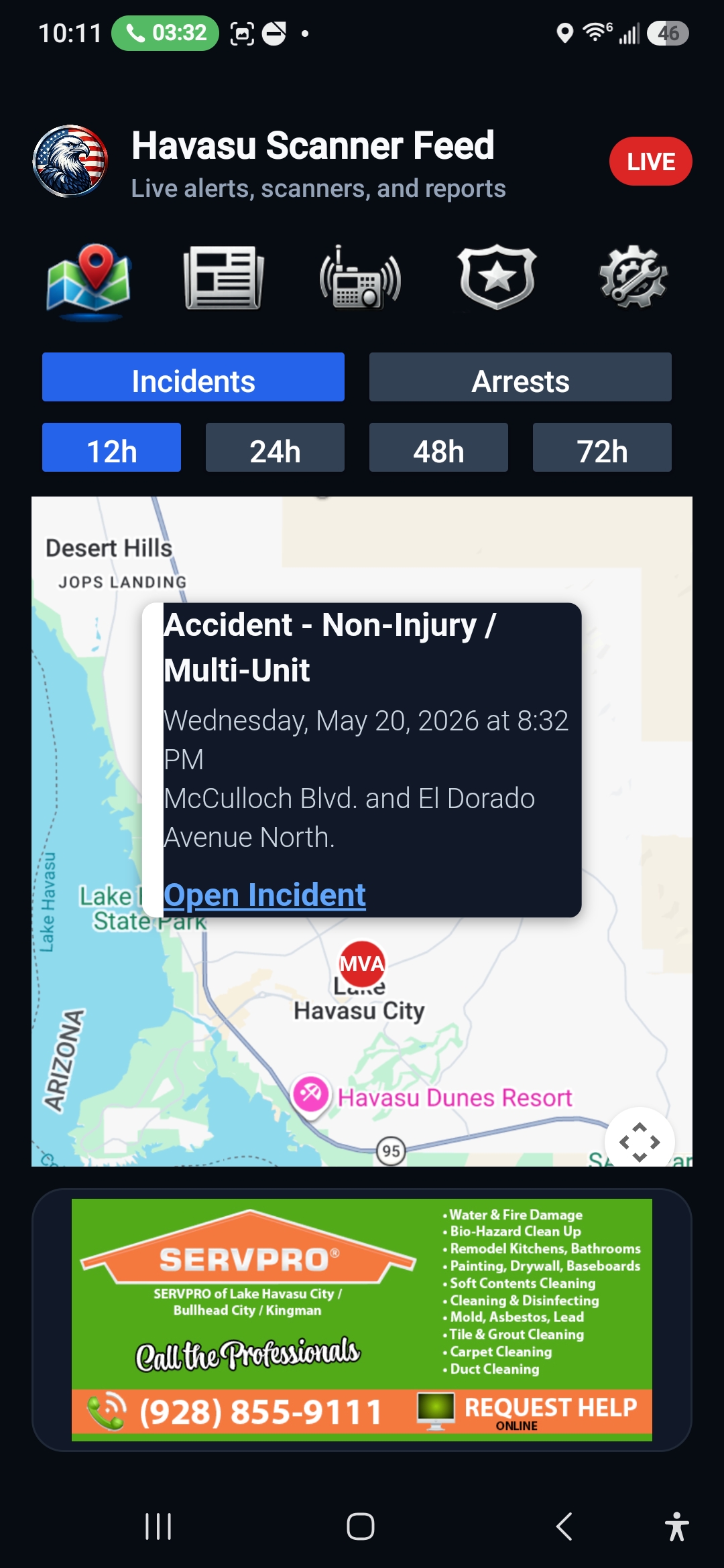
Havasu Scanner Feed incident map with popup details
Incident Map
Recent mapped calls with quick time-range controls.
Havasu Scanner Feed live scanner controls
Live Scanners
Start multiple scanner feeds, adjust volume, and keep listening in the background.
Havasu Scanner Feed archive player
Audio Archives
Replay recent hourly recordings from the agencies you follow.
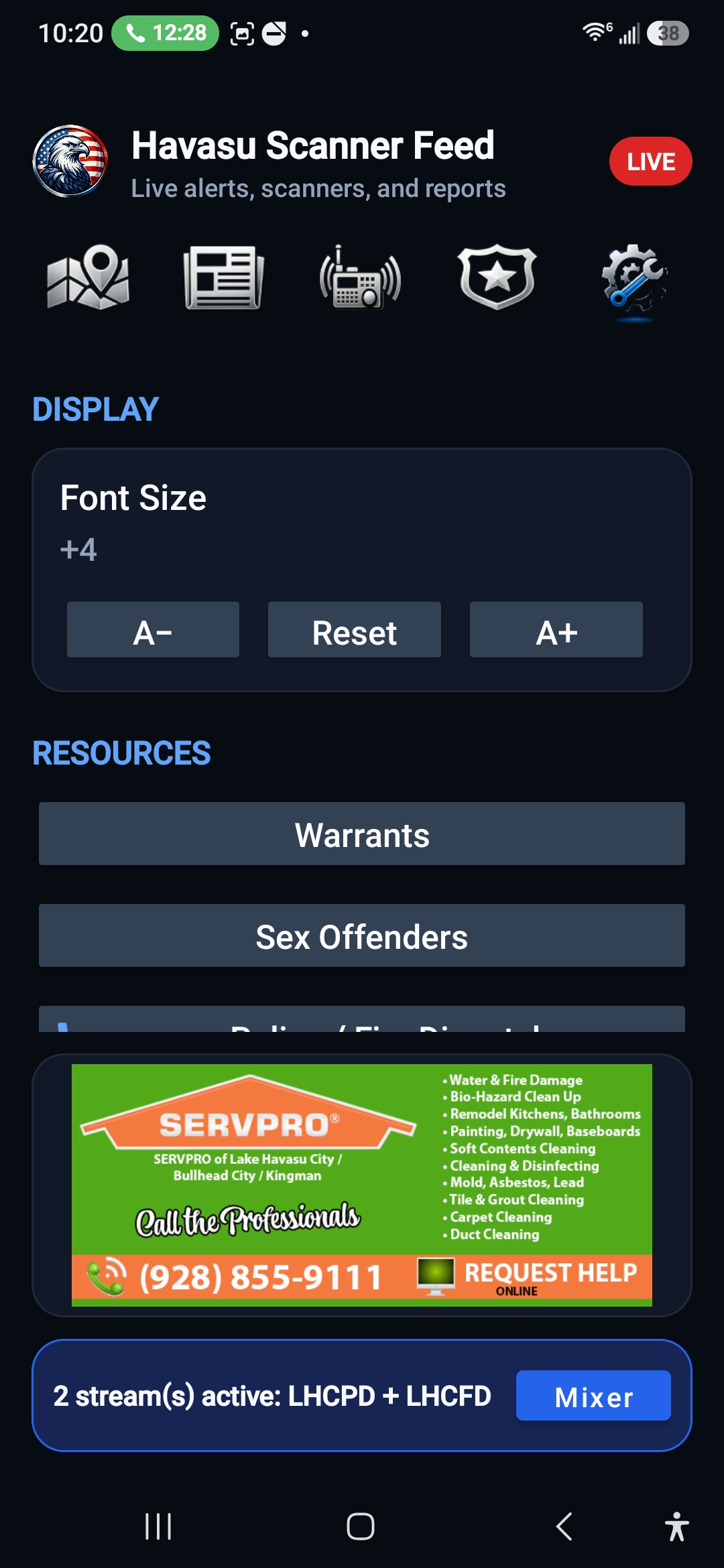
Havasu Scanner Feed settings and resources
Settings And Resources
Adjust alerts, display size, contact HSF, and open member resources.

What You May See During Install

Because the app is installed directly from Havasu Scanner Feed, Android may show Google Play Protect screens. These are normal and help confirm the file is safe before installation.

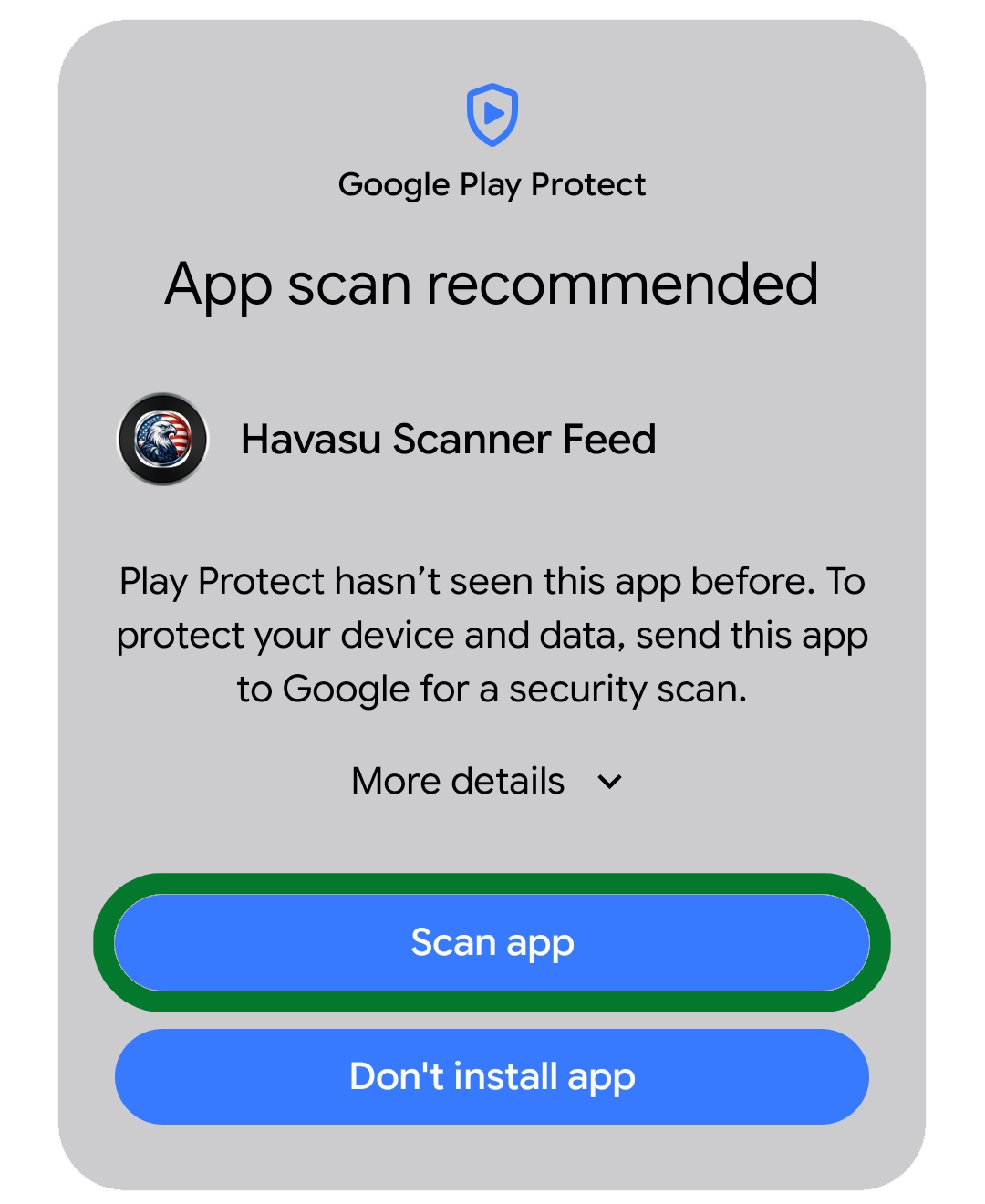
Google Play Protect scan app screen
1. Tap Scan app.
Google Play Protect may recommend scanning the app first.
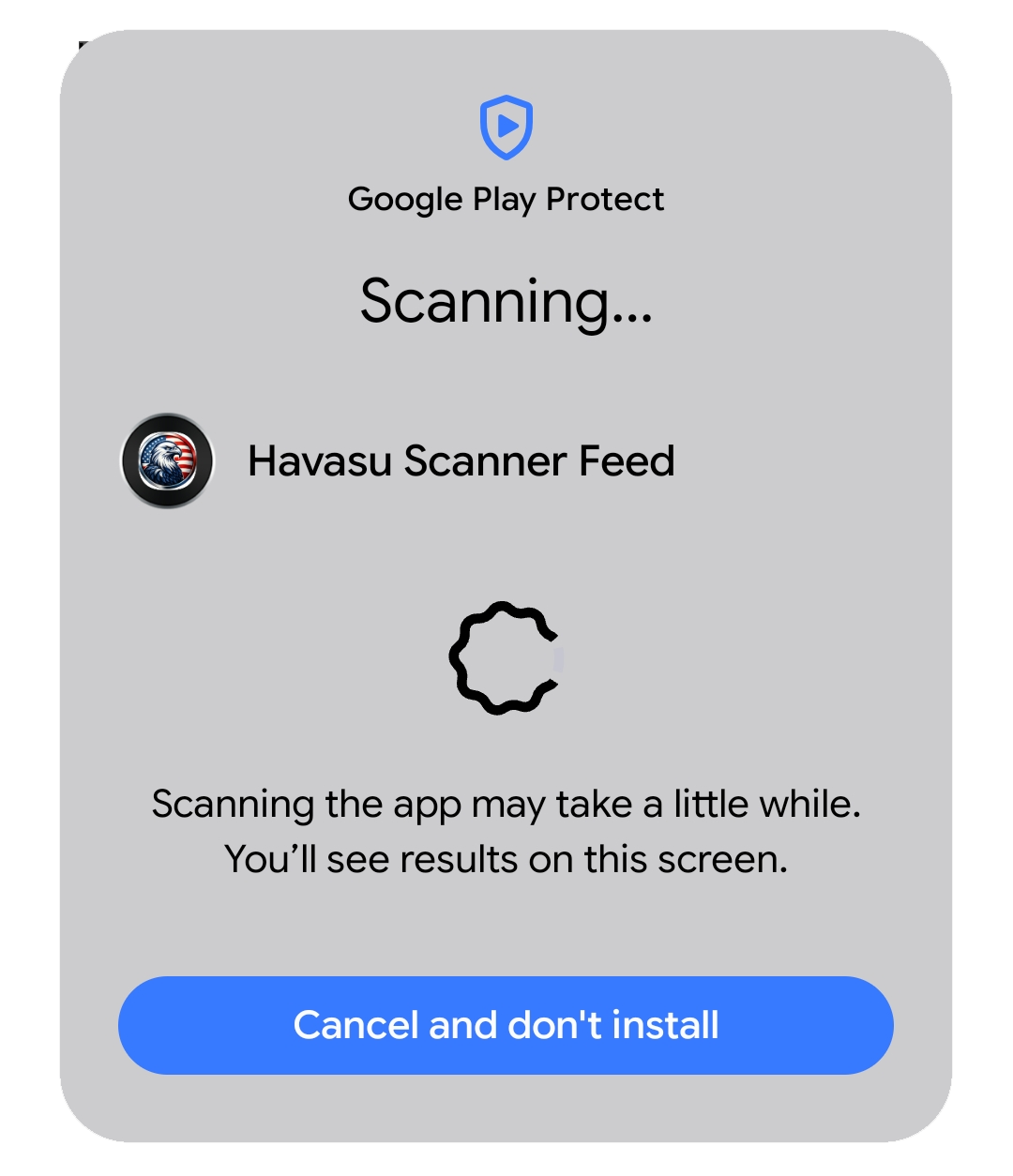
Google Play Protect scanning app screen
2. Let the scan finish.
The scan may take a short moment depending on the phone.
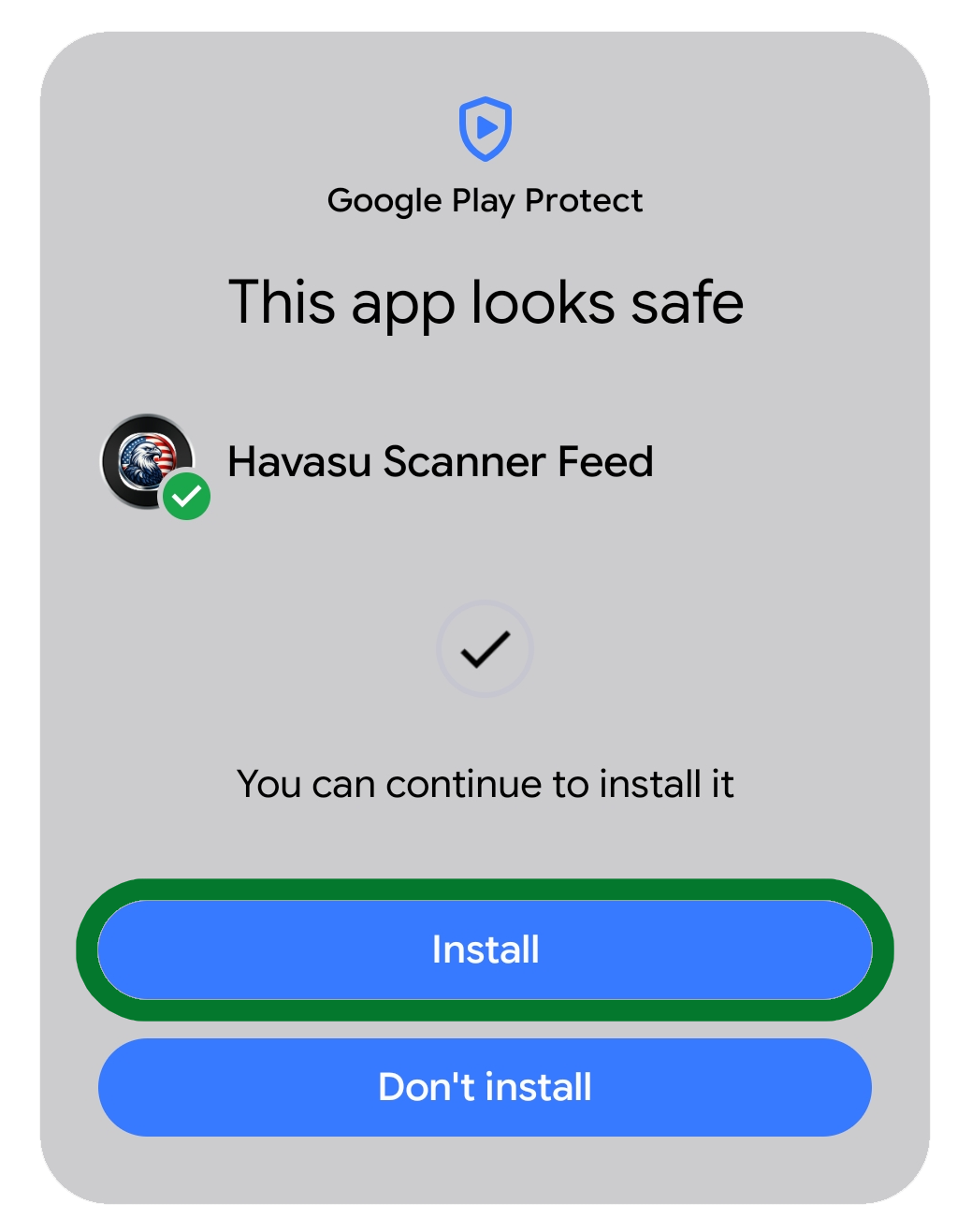
Google Play Protect app looks safe screen
3. Tap Install.
When Android says the app looks safe, continue with installation.

Version 3.0 Changelog

Here is the member-facing upgrade path that turned the original headline list into the full 3.0 app experience.

Build 20

New 3.0 Foundation

  • Rebuilt the app around a dark Havasu Scanner Feed design.
  • Added member login using the HSF WordPress subscriber system.
  • Added main navigation for Map, Headlines, Scanners, Codes, and Settings.
  • Added cleaner loading, empty-state, and error screens.
Build 28

Maps, Headlines, And Settings Expansion

  • Added the incident map as the first screen members see.
  • Added configurable map lookback options.
  • Added filtered headline sections for Incidents, Arrests, and Press Releases.
  • Added font-size controls and member alert preferences.
Build 34

Direct Install And In-App Updates

  • Added in-app update checks and guided upgrade flow.
  • Added clear upgrade button showing available version and current build.
  • Added direct APK download page with Google Play Protect instructions.
Build 40

Improved Mapping

  • Moved incident and arrest mapping to Google-powered maps.
  • Improved map loading reliability and automatic refresh behavior.
  • Cleaned up map popup cards for faster reading.
  • Added category-based map labels and incident marker types.
Build 46-47

Cleaner Article Viewing

  • Cleaned up in-app article pages so members see the title, posted date, and story content clearly.
  • Removed extra website chrome from in-app story viewing.
  • Kept member pages focused inside the app instead of bouncing users into a browser.
Build 49

Official 3.0 Release

  • Removed beta wording from the public app release.
  • Moved the update channel to official HSF.apk release files.
  • Published the 3.0 download and announcement pages for members.